
This manual provides installation, quick configuration, and usage instructions for the APC NetBotz 200 Rack Monitor, including physical description…
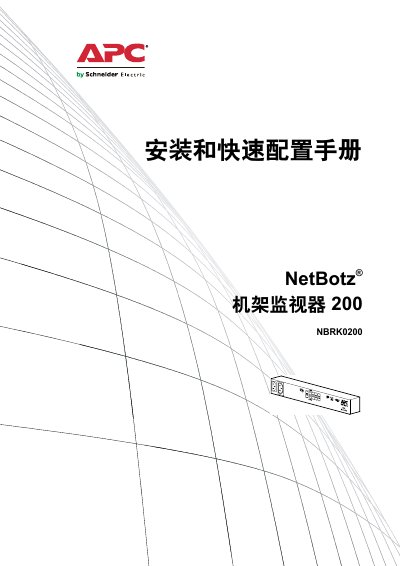
This manual covers the installation and quick configuration of the APC NetBotz 200 Rack Monitor (NBRK0200). It details how to mount the device, connect power and network cables, attach sensors, and configure network settings via DHCP or the web interface. This manual is written in Chinese.
| Power Switch Rating | 10 A |
|---|---|
| Voltage Output | 12 VDC or 24 VDC (75 mA) |
| Network Port | 10/100 Base-T |
| Console Port | RS-232 |
| Modbus Interface | RS-485 |
It is a central hardware device for APC environmental monitoring systems.
No, it cannot be connected or networked with any other NetBotz device.
The package includes the NetBotz 200, power cords, resistors, mounting brackets, and a utility CD.