
This manual provides installation and operation instructions for the APC ACF400 and ACF402 rack exhaust devices, covering setup, configuration, and maintenance.
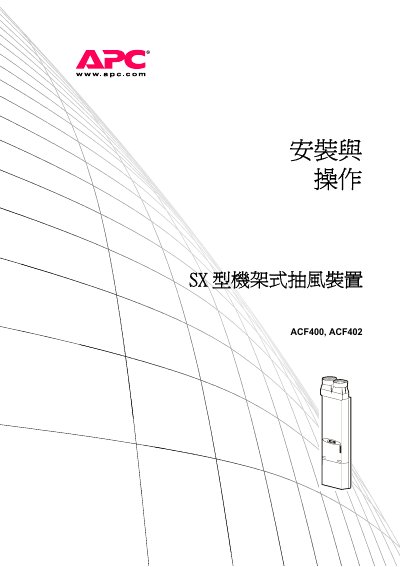
The APC ACF400 and ACF402 rack exhaust devices are designed to remove heat generated by devices housed in NetShelter SX or VX enclosures. The unit consists of a fan assembly and an enclosure body, providing sufficient airflow to cool tightly packed equipment and allow air to bypass power and data cabling at the rear of the enclosure. Optional air duct kits can be used to exhaust heat from the entire data area. This manual is written in Chinese.
| Rated Input Voltage | 100V – 240 V |
|---|---|
| Maximum Ambient Temperature | 122°F (50 °C) |
| Maximum Internal Static Pressure | 0.27 inches (6.86 mm) water column |
| Noise Level | 79 dBA |
| Fan Assembly Dimensions | 53.25 × 23 × 7.50 inches (135.3 × 58.4 × 19.1 cm) |
| Net Weight | 47.2 kg (104 lbs) |
At least two people are required to install the device to prevent injury.
No, the device has no user-serviceable parts and should not be opened or repaired by the customer.
APC guarantees the device against defects in materials and workmanship for two years from the date of purchase.