
Installation and setup instructions for the Allegion PS902 power supply, including specifications, wiring, and battery backup configuration.
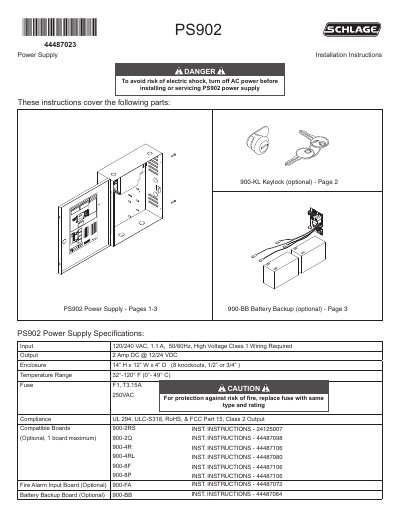
The Allegion PS902 is a power supply module designed for indoor installation within protected premises. It supports 120/240 VAC input and provides a selectable 12 VDC or 24 VDC output to power compatible boards and devices.
| Input | 120/240 VAC, 1.1 A, 50/60Hz |
|---|---|
| Output | 2 Amp DC @ 12/24 VDC |
| Enclosure Dimensions | 14” H x 12” W x 4” D |
| Temperature Range | 32°-120° F (0°- 49° C) |
| Fuse | F1, T3.15A 250VAC |
| Compliance | UL 294, ULC-S318, RoHS, & FCC Part 15, Class 2 |
Verify that the AC LED is green, the DC LED is red, and the BB LED (if applicable) is amber.
There must be a minimum of 1/4” separation between AC and DC wiring, as well as power limited and non-power limited wiring.
Allow 24 hours for the batteries to fully charge.