
Allegion JBE109 Smart Lock User Guide

Allegion JBE109 smart lock user guide covering locking, auto-lock, passage mode, Z-Wave setup and troubleshooting.
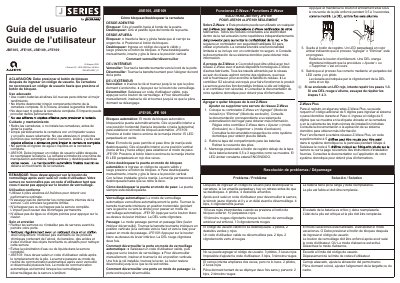

Allegion JBE109 Smart Lock User Guide - cover page
Brand
Allegion
Category
Other device
Document type
User Manual
Language
Spanish
Pages
2
File format
PDF
File size
1 MB
Published
18 November, 2026
Updated
18 November, 2026
MD5 checksum
2DBBD343743B3C068E5BA448354B0AA1

About this manual

This user guide covers Allegion JBE105, JFE105, JBE109 and JFE109 smart locks. It is provided in Spanish and French and explains proper use, care, locking and unlocking, auto-lock mode, passage mode, Z-Wave functions and troubleshooting.

The guide includes Z-Wave inclusion and exclusion steps, Z-Wave Plus enrollment notes, battery guidance and a troubleshooting table for common lock and battery conditions. This manual is written in Spanish.

What's inside

  • Proper use
  • Care and maintenance
  • Locking and unlocking
  • Auto-lock mode
  • Passage mode
  • Z-Wave functions
  • Adding or removing from Z-Wave network
  • Z-Wave Plus enrollment
  • Troubleshooting

Specifications

Batteries4 AA alkaline

Frequently asked questions

What batteries should be used in the lock?

Use four new AA alkaline batteries for best performance.

What must be done after replacing the battery on JBE109?

Enter a valid user code after replacing the battery.

Why does the yellow light flash and delay before unlocking?

The battery has low charge and should be replaced.

Why will a valid user code not unlock the lock?

Vacation mode may be enabled; disable it, or press the lock button after entering the user code.

Download PDF (1 MB)

More Allegion Manuals


View all Allegion manuals →