
Installation guide for the Allegion 86/2110 smart lock, covering tools, assembly, wiring, and programming instructions.
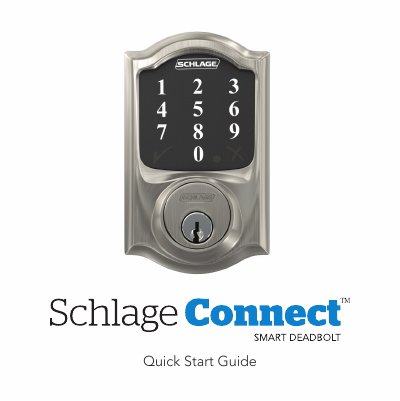
This guide provides step-by-step instructions for installing the Allegion 86/2110 smart lock. It details the required tools, such as a Phillips screwdriver, and warns against using power drills to prevent damage. The installation process includes mounting the strike reinforcer, installing the touchscreen, securing the inside backplate, and connecting the internal cable.
A Phillips screwdriver is required; do not use a power drill as it may damage the lock.
You can unlock the door by entering a user code, tapping the logo, turning the thumbturn toward the door edge, or turning the thumbturn away from the door edge from the inside.
The lock supports user codes between 4 and 8 digits and is set to a default length of 4 digits.