
User manual for the Allegion S-6800 digital door lock, covering setup, operation, and maintenance of the four-way access solution.
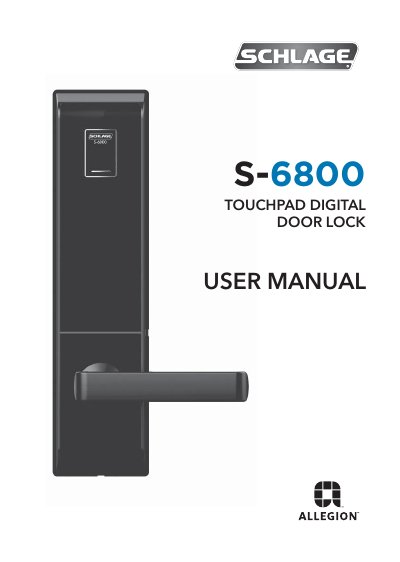
The Allegion S-6800 is a touchpad digital door lock designed for home and commercial security. It offers four entry options: PIN code, fingerprint, smart card/fob, and a mechanical key override. Key features include a random security code function to hide the PIN, individual management for smart cards, a panic release handle for quick exits, and an auto-lock/re-lock function.
| Front assembly dimensions | 76mm (W) x306mm (H) x28mm (D) |
|---|---|
| Mortice Lock dimensions | 123mm (W) x 109.5mm (H) x 24.5mm (D) |
| Battery type | 8 pieces (1.5v, AA, LR6 alkaline) |
| Battery life | around one year |
Press any numbers randomly without limitation, and then enter your PIN code as the final sequence to access.
Touch the front pad, press #, input user PIN, touch card/fob, press #, and press 5 for auto-locking mode.
Use a 9V battery on the emergency power terminals to reactivate the lock, then replace the main batteries.