
Installation and user guide for the Allegion ENGAGE GWE gateway, covering mounting, power, commissioning, linking, ports, LEDs, and troubleshooting.
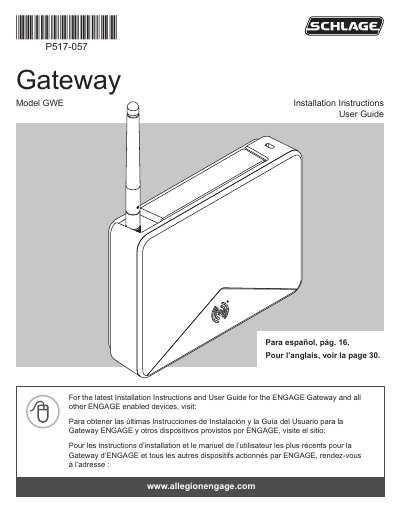
The Allegion ENGAGE Gateway Model GWE is an access control gateway that can operate in RSI mode with an access control panel over RS-485 or in IP mode with an IP-based host over Ethernet. It can be powered by PoE, a supplied 24V power adapter, or ACP 2-wire DC power, and it provides status LEDs for power and communication.
The document provides installation instructions and a user guide covering creating an ENGAGE account, downloading the mobile application, installing and commissioning locks, choosing a location, mounting options, power options, commissioning and linking the Gateway, access control panel connections and wiring diagrams, cable and wire specifications, factory default reset, LED indicators, troubleshooting, and UL/FCC statements.
| Operating modes | RSI mode and IP mode |
|---|---|
| Power options | PoE, supplied 24V adapter, or ACP 2-wire DC power |
| ACP power input | 12 or 24 V |
| Ethernet cabling | Category 5e |
| RS-485 wiring | 2 or 4 wire |
| Wireless communication | Bluetooth to ENGAGE enabled locks |
| Line-of-sight range | up to 100 feet (30.5 meters) |
| Mounting options | Desk, wall, single gangbox, double gangbox |
It can be powered by PoE, the supplied 24V power adapter, or ACP 2-wire DC power. Use only one power option at a time.
Communication may be possible up to 100 feet (30.5 meters) when clear line-of-sight is available.
After the power-on self-test, the Gateway is ready when the light turns solid red.
No. Create the account on the web at portal.allegionengage.com/partner, then sign into the ENGAGE mobile app.