
Alcatel-Lucent 8082 My IC Phone User Manual

User guide for Alcatel-Lucent's 8082 My IC Phone, covering call features, contacts, programming, and synchronization with PC.
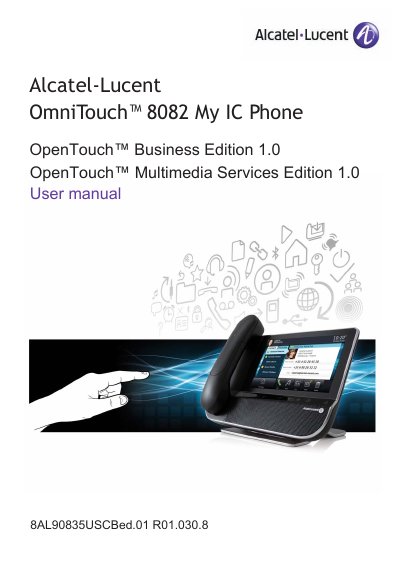

Alcatel-Lucent 8082 My IC Phone User Manual - cover page
Brand
Alcatel-Lucent
Document type
User Manual
Language
English
Pages
56
File format
PDF
File size
1.6 MB
Published
05 November, 2026
Updated
05 November, 2026
MD5 checksum
15A2D294EDCA2BCF4DBE92F0BC10E198

About this manual

This user manual explains how to use the Alcatel-Lucent 8082 My IC Phone for making and receiving calls, managing contacts, and customizing settings. It includes instructions for using the touch screen, Bluetooth, and synchronization with a PC. The guide also covers advanced features like call forwarding, conference calling, and managing alarms and ringtones.

What's inside

  • Getting to know your telephone
  • Using your telephone
  • During a conversation
  • Contacts management
  • Keep in touch
  • Keypad
  • Programming your telephone
  • Manager/Assistant
  • My IC Phone Synchronizer

Frequently asked questions

What is the phone's main feature for communication?

Its innovative and high-quality design will improve your corporate communications.

What does the blue forward key indicate?

The forward key is blue when a forward is activated.

What is the phone's Ethernet connection speed?

10/100/1,000 Ethernet connection.

What is the maximum number of items for synchronization?

The default setting is 500 items.

Download PDF (1.6 MB)

More Alcatel-Lucent Manuals


View all Alcatel-Lucent manuals →