
User manual for the Alcatel‑Lucent OmniPCX Office 8018 DeskPhone, covering setup, features, and operation.
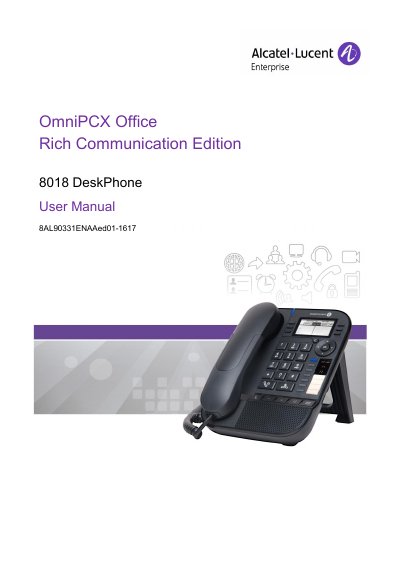
The 8018 DeskPhone is a feature‑rich IP phone designed for the OmniPCX Office Rich Communication Edition. It provides programmable keys, a backlit monochrome display, and multiple connectivity options such as Gigabit Ethernet and USB for headsets.
The manual guides users through basic operation, call handling, programming, and advanced functions like Meet‑Me conferences, call forwarding, and voicemail management, while also covering safety and regulatory information.
| Network connector | 10/100/1000 Gigabit Ethernet (LAN) |
|---|---|
| Power connector | DC power jack for external adaptor |
| Handset connector | RJ9 connector for corded handset |
| USB connector | USB connector for headset |
| Display | Monochrome graphical screen, 128 × 64 pixels, backlit |
| Programmable keys | 4 programmable keys with LED and paper label |
It has four programmable keys with LED indicators and paper labels.
The phone includes a 10/100/1000 Gigabit Ethernet (LAN) connector.
Yes, when connected to a PoE source you must not use an external power supply.