
This manual provides installation, configuration, and operation instructions for the Alcatel-Lucent M7, M5, and M3 desk phones connected to SIP servers.
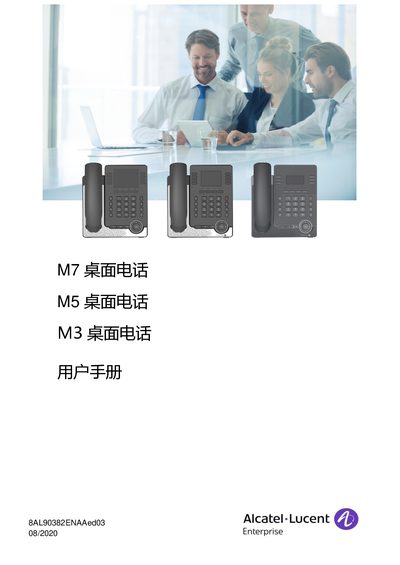
This user manual covers the Alcatel-Lucent M7, M5, and M3 desk phones, detailing their features, installation, and usage. The devices are designed to connect to SIP servers and offer various functionalities including multi-account support, Bluetooth connectivity, and web-based management. The M7 model features a 3.5-inch color screen and ultra-wideband audio, while the M5 and M3 models have slightly different display specifications. This manual is written in Chinese.
| Screen Size (M7) | 3.5 inch color screen |
|---|---|
| Screen Resolution (M7) | 320 x 240 pixels |
| Screen Size (M5) | 2.5 inch color screen |
| Screen Size (M3) | 2.8 inch black and white screen |
The manual refers to a section on default passwords for contacting administrators, but does not explicitly state the default password value in the provided text.
Yes, the phones support Power over Ethernet (PoE) via the IEEE 802.3af Class 2 standard.
At maximum volume, the sound pressure level is 105 dBA at a distance of 60 cm.