
The Alcatel‑Lucent OmniTouch 8002/8012 DeskPhone User Manual provides step‑by‑step instructions for making calls, using call features, and configuring the…
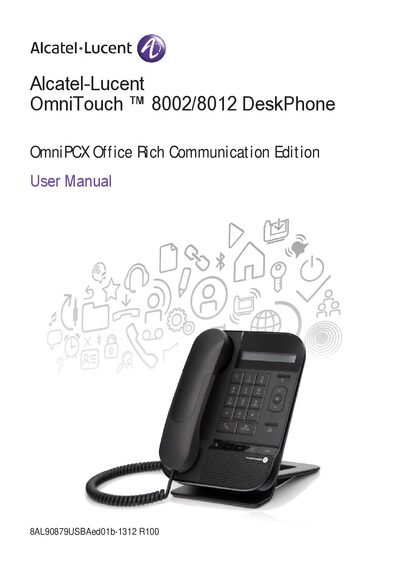
This manual introduces the OmniTouch 8002/8012 DeskPhone, describing its keypad, display, Ethernet ports, headset jack, and other hardware features. It explains how to lift the receiver, navigate menus, and use the wideband speaker and LED indicators.
The guide covers call handling (making, receiving, holding, transferring, and conference calls), call log management, ringer and volume settings, language selection, identity secrecy, and safety instructions such as temperature limits and precautions for pacemaker users.
| Headset connector | One 3.5 mm headset connector (8012 only) |
|---|---|
| Operating temperature | -5 °C to +45 °C |
| Ringer volume levels | 9 levels, 5 dB each |
Press the start‑call key, dial the number directly, or select a contact from the directory and then press the start‑call key.
Press the Mute key; the handset will prevent the other party from hearing you until you press the key again.
Open Settings → Phone → Ringer and select one of the 9 volume levels.
Maintain at least 15 cm (6 inches) between the handset and any pacemaker or implanted defibrillator.