
This document is the user manual for Alcatel-Lucent 500 DECT Handset Alcatel-Lucent OmniPCX Office 8AL90841USAA ed01, describing the features and characteristics of the product.
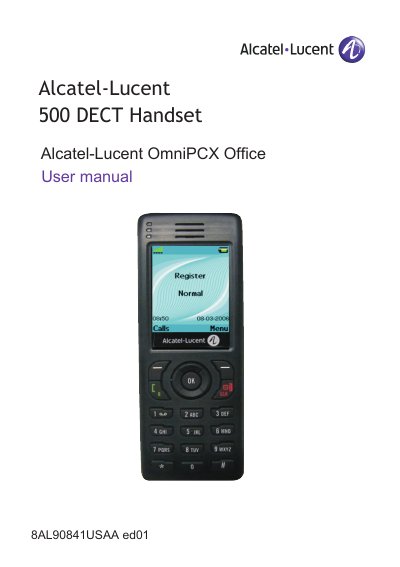
This manual covers the complete operation of the Alcatel-Lucent 500 DECT Handset. It begins with getting started instructions, including how to install and charge the battery, switch the device on and off, and install optional accessories like Bluetooth modules and memory cards.
The guide details how to make and receive calls, manage multiple calls, and use the handset's directory services. It also explains how to program various settings such as audio functions, silent mode, and LED indicators, as well as how to register the telephone to a DECT system.
| Battery charging time | 6 hours |
|---|---|
| Mains power adapter input | 100/240 V - 50/60 Hz |
| Mains power adapter output | 12 V DC - 500 mA |
| Headphone socket type | 2.5mm jack |
It takes 6 hours to fully charge the battery.
The handset requires a headset with a 2.5mm jack type connector.
Yes, if the telephone is to remain unused for several weeks, you should remove the battery and store it separately.