
Agilent on-site training manual for the 7890A gas chromatograph and 5975C mass spectrometer, covering setup, startup, tuning, vacuum control, and analysis.
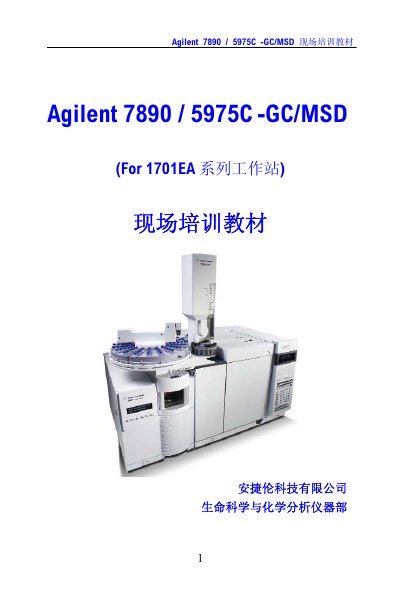
This on-site training manual helps users operate the Agilent 7890A gas chromatograph and 5975C mass spectrometer. It covers instrument configuration, startup and shutdown, column aging, vacuum status, autotune and standard spectra tune, and GC configuration editing.
The manual also describes ALS, module, and column parameter settings, chemical ionization operation with methane reagent gas, and venting the system. It is intended for the 1701EA series workstation and includes Chinese and English interface references. This manual is written in Chinese.
| GC model | 7890A |
|---|---|
| MSD model | 5975C |
| Workstation | 1701EA series |
| Carrier gas | Helium (He) |
| Regulator pressure | 0.5 MPa |
| Operating system | Windows XP (SP2) |
| Turbomump speed indicator | 100 Percent |
| Diffusion pump pressure | About 100 mTorr |
| Minimum time before tuning | At least 2 hours |
| Autotune duration | About 3–5 minutes |
| Methane flow ratio | m/z 28/27 ratio of 1.5–5.0 |
| CI tuning standard | PFDTD, molecular formula C11HF23O3, molecular weight 618.12 |
Tuning should be performed after the instrument has been on for at least 2 hours. This wait is extended to 4 hours if the instrument has been off for a long time or uses a 5975 diffusion pump configuration.
Autotune provides maximum sensitivity, while Standard spectra tune has slightly lower sensitivity but matches standard library spectra better, making it suitable for library searching and qualitative identification.
In the Tune and Vacuum Control interface, select Vacuum Status under the Vacuum menu. With a turbomolecular pump, Turbo Pump Speed should quickly reach 100 Percent; with a 5973N diffusion pump, Pressure should reach about 100 mTorr.
Enter the Tune and Vacuum Control screen, choose VENT from the vacuum control menu, and follow the prompts to vent the system step by step.