
Installation guide for Agilent 6850/6890/5890 GC chemical workstations covering hardware, LAN/GPIB interfaces, software setup and verification.
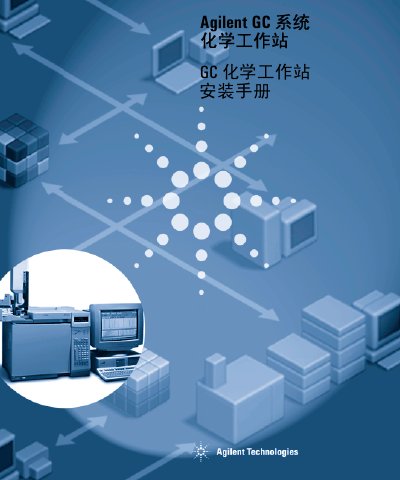
This manual provides step‑by‑step instructions for installing the Agilent GC chemical workstation on the 6850, 6890 and 5890 gas chromatographs. It covers preparation, installation of LAN and GPIB communication cards, software configuration, and verification procedures.
The guide also explains how to add or modify workstation components, configure instrument connections, and start the system. Appendices describe input data and method files for the 3365 chemical workstation. This manual is written in Chinese.
| Supported models | 6850, 6890, 5890 |
|---|---|
| Sample capacity | 100 sample bottles |