
User manual for the Adafruit 5" and 7" 800x480 TFT HDMI Backpack, a mini HDMI monitor for computers and single board computers.
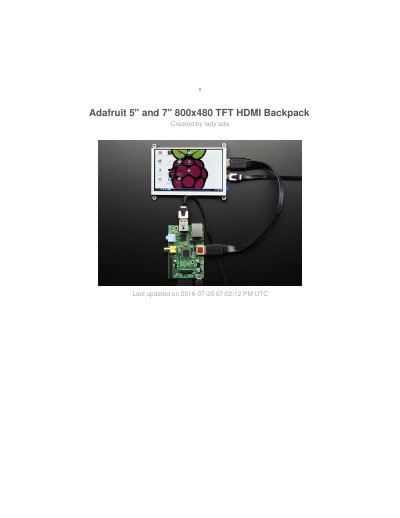
The Adafruit 5" and 7" 800x480 TFT HDMI Backpack is a compact HDMI monitor designed for use with any computer featuring HDMI output, making it suitable for portable or embedded projects. It utilizes the TFP401 for video decoding and is available in two versions: video-only and a video+touch version featuring an AR1100 USB resistive touch screen driver.
The display can be powered via a USB port and supports backlight control through a PWM input for continuous dimming. It is specifically recommended for use with single board computers like the Raspberry Pi or BeagleBone Black.
| Resolution | 800x480 |
|---|---|
| Video Decoder | TFP401 |
| Touch Screen Driver | AR1100 USB resistive |
| Current Draw (5" model) | 500mA total (370mA at half-brightness) |
| Current Draw (7" model) | 600mA total (400mA at half-brightness) |
You must configure the /boot/config.txt file if the Pi cannot detect the EDID.
Use raspi-config to force audio out the 3.5mm jack, or add 'hdmi_drive=2' to /boot/config.txt.