
This guide explains how to use the Adafruit 16-Channel PWM/Servo Driver with Arduino to control up to 16 servos via I2C, including assembly, wiring, and…
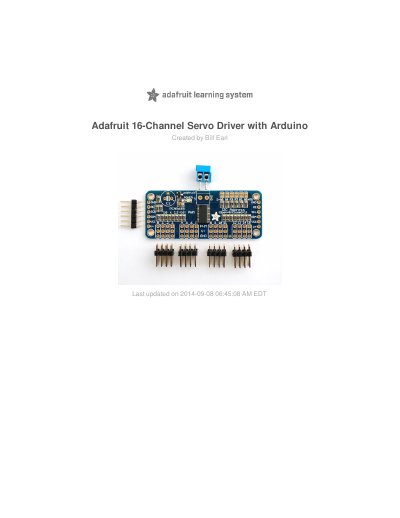
The Adafruit 16-Channel PWM/Servo Driver allows users to drive up to 16 servos over I2C using only two pins, eliminating the need for multiple Arduino processing pins. The on-board PWM controller drives all channels simultaneously without additional overhead, and boards can be chained to control up to 992 servos.
| Channels | 16 |
|---|---|
| Interface | I2C |
| Max Servos (Chained) | 992 |
| Max Chained Boards | 62 |
| PWM Frequency Range | 40 to 1000 Hz |
| PWM Resolution | 12-bit |
It can be used for LEDs as well as any other PWM-able device.
Set the backpacks to address 0x71 or anything other than the default 0x70 to make the issue go away.
Use setPWM(pin, 4096, 0); instead of setPWM(pin, 4095, 0);