
A user guide for Adafruit's eInk display modules covering hardware, software, Arduino and CircuitPython code examples, and library usage.
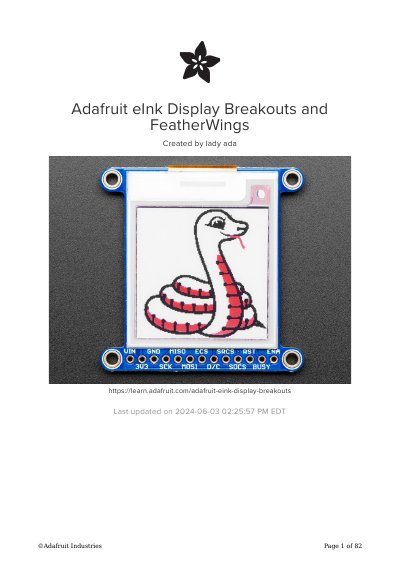
This guide explains how to use Adafruit's eInk display modules, including wiring, software setup, and code examples for Arduino and CircuitPython. It covers various sizes like 1.54", 2.13", 2.7", and 2.9" displays. The modules include SPI-based displays with integrated SRAM and MicroSD support for low-power, high-contrast e-paper applications.
The guide provides detailed pinouts, assembly instructions, and code libraries for displaying graphics and text. It also includes troubleshooting tips and links to specific guides for each display size. This manual is written in Chinese.
The breakouts are available in 1.54-inch, 2.13-inch, 2.7-inch, and 2.9-inch sizes.
The tri-color displays have black and red ink pixels on a white-ish background.