
Adafruit NeoKey 1x4 QT I2C Breakout guide covering pinouts, wiring, Arduino and CircuitPython/Python setup, multiple boards, and downloads.
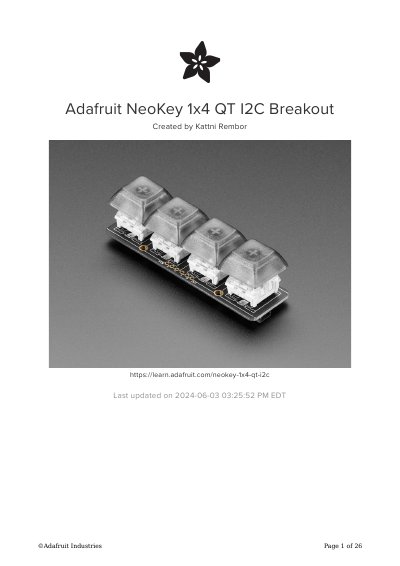
The Adafruit NeoKey 1x4 QT I2C Breakout is a 3" x 0.8" PCB with four Cherry MX or compatible key switch sockets, STEMMA QT connectors, reverse-mount NeoPixel LEDs, and header pins. It is not stand-alone; a microcontroller is required.
This guide covers pinouts, key sockets, STEMMA QT connectors, NeoPixel LEDs, header pins, address jumpers, Python & CircuitPython wiring and usage, Arduino wiring and examples, multiple breakouts, and downloads.
| Board size | 3" x 0.8" PCB |
|---|---|
| Key sockets | four Cherry MX or compatible key switch sockets |
| Switch compatibility | MX-compatible switch |
| STEMMA QT connector | STEMMA QT (Qwiic) connector |
| NeoPixel LEDs | four NeoPixel LEDs |
| Voltage regulator input | 3-5VDC input to onboard voltage regulator |
| 3.3V output current | up to 100mA from 3.3V output |
| I2C logic level | 3-5V logic on I2C pins |
| Default I2C address | 0x30 |
| Multiple boards | up to 16 boards on a single I2C bus |
No. Each order includes one assembled and programmed PCB, but no switches, keycaps, or microcontroller.
Up to 16 of these boards can share a single I2C bus.
The default I2C address is 0x30.
Any MX-compatible switch works; the text lists Kailh and Gateron as examples.