
This manual provides instructions for wiring, testing, and using the Adafruit VC0706 TTL serial camera module with Arduino, CircuitPython, and Python.
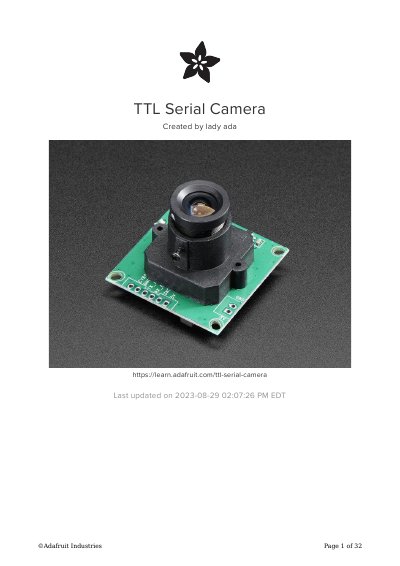
This document is a user guide for the Adafruit VC0706 TTL serial camera module, which features NTSC video output and supports image capture and motion detection. The guide explains how to wire the module for both video output and serial communication, including specific instructions for soldering connections and using USB-to-serial converters.
The manual details software usage for taking snapshots, detecting motion, and adjusting settings via the CommTool utility on Windows. It also provides extensive code examples for integrating the camera with microcontrollers using CircuitPython and with computers using Python libraries on Linux or Raspberry Pi systems.
| Image Sensor | CMOS 1/4 inch |
|---|---|
| Pixels | 0.3M |
| Pixel Size | 5.6um*5.6um |
| Output Format | Standard JPEG/M-JPEG |
| Frame Speed | 640*480 30fps |
| Viewing Angle | 60 degrees |
| Operating Voltage | DC +5V |
| Communication | 3.3V TTL (Three wire TX, RX, GND) |
No, the baud rate setting is unreliable and the manufacturer does not suggest changing it as it may permanently disable the camera.
The maximum image size the module can take is 640x480 pixels.
Yes, the module is sensitive to infrared light, which alters the color rendition somewhat.