
User manual for the Acaia Pearl coffee scale, covering setup, modes, charging, calibration, settings, LED indicators, error codes and specifications.
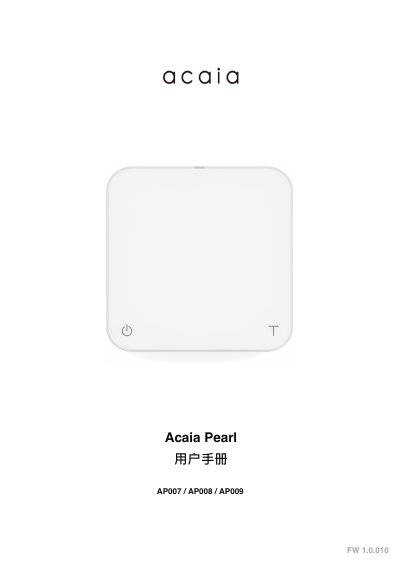
The Acaia Pearl is a coffee scale supplied with a heat pad and a USB Type-C charging cable. The manual explains its display and controls, how to turn it on and off, tare, switch modes and units, charge the battery and calibrate weight.
It also describes the flow rate LED indicator, five operating modes, the settings menu, LED status indicators, error codes and product specifications such as 2000 g maximum capacity, 0.1 g resolution, Bluetooth 4.0 and 30–40 hours battery standby time. This manual is written in Chinese.
| Model | AP007 / AP008 / AP009 |
|---|---|
| Product weight | 500 g ± 5 g |
| Dimensions | Width 160 mm / Length 160 mm / Height 32 mm |
| Maximum capacity | 2000 g / 70.55 oz |
| Measurement units | grams / ounces |
| Resolution | 0.1 g |
| Repeatability | 0.1 g |
| Linearity | 1 d (d = 0.1 g / 0.5 g) |
| Display upper limit | 2060.0 g / 72.660 oz |
| Charging power | 5 V / 500 mA |
| Battery | Lithium-ion rechargeable battery 3.7 V / 1100 mAh |
| Battery standby time | 30–40 hours |
| Display | Seven-segment display |
| Wireless | Bluetooth 4.0 |
| Operating temperature | 15°C to 40°C |
| Limited warranty | 1 year |
Press the power button to turn the scale on, and double-click it to turn the scale off.
After the battery is fully drained, a full charge takes 1–2 hours.
In weighing mode with grams selected, repeatedly click the tare button until the display shows CAL, then place a 100 / 500 / 1000 g weight until End appears.
The LED bar shows pour rate in real time in 0.5 g/s steps from the center up to 9.5 g/s at the end.