
Key facts
- Manuals
- 1
- Languages
- ZH
- Last added
- 2026-09-29
Featured acaia manuals
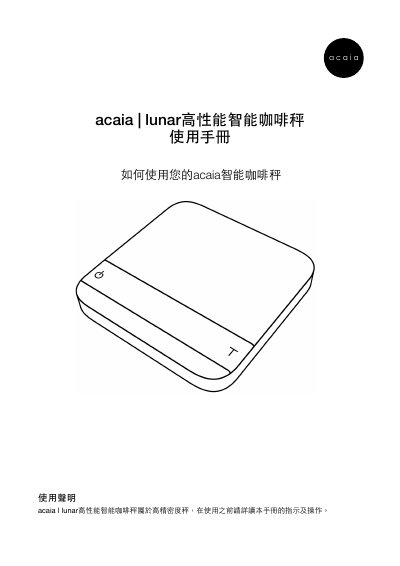
acaia lunar Coffee Scale User Manual
This manual introduces the acaia lunar high‑performance smart coffee scale, listing the items included in the package and describing the scale’s design, buttons, LED indicators, and Bluetooth connectivity. It also outlines safety warnings and proper handling.
The guide covers specifications, detailed button functions, battery charging, multiple operation modes (weighing, timed weighing, auto‑timing), extensive setting options, weight calibration procedures, and a reference of error codes and display symbols. This manual is written in Chinese.
Covers: Product Overview · Specifications · Button Functions · LED Indicators · Battery and Charging · Operation Modes
Latest acaia manuals
acaia lunar Coffee Scale User Manual
User Manual 25 pages · 5.7 MB · ZHThe acaia lunar coffee scale user manual provides setup, operation, charging, calibration, and settings instructions for the high‑precision smart scale.
Which document do I need?
User Manual
Day-to-day operation, settings and troubleshooting. Start here if the product is already set up.
Questions answered in acaia manuals
How do I turn the scale on and off?
Press and hold the power key for 0.5 seconds to turn the scale on; quickly press the power key twice to turn it off.
How can I change the weighing unit?
Select the “Weight Unit Setting” option in the Settings menu to switch between grams and ounces.