
Acaia Lunar smart coffee scale is a high-precision scale with a minimum measurement of 0.1g and a maximum measurement of 2000g. It supports 6 weighing modes and can connect to your phone via Bluetooth to view coffee brewing data.
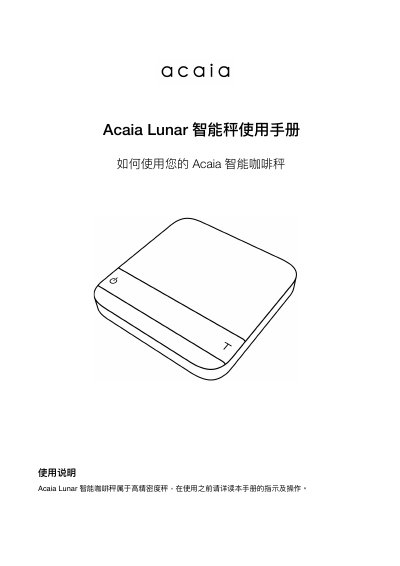
The Acaia Lunar is a high-precision smart coffee scale designed for optimal coffee brewing experiences. It features an 8-digit LED display, Bluetooth 4.0 connectivity, and a rechargeable lithium battery. The device includes a USB charging port and comes with a 100g calibration weight and heat-resistant mat. This manual is written in Chinese.
| Product Weight | 270g |
|---|---|
| Weighing Unit | g(克), oz(盎司) |
| Weight Division Value | 0.1g / 0.002oz |
| Reference Division Value | 0.01g / 0.0005oz |
| Dimensions | 105mm(W) x 105mm (L) x 15.5mm (H) |
| Input Voltage | 5V/500mA |
| Battery | Rechargeable Lithium Battery 3.7V 1100mAh |
| Wireless Device | Bluetooth 4.0 |
| Linear Error | +/- 0.2g |
Long press the power button for 0.5 seconds to turn on the device.
Press the power button twice quickly to turn off the device.
The default password for clearing the Bluetooth connection password is 0000.