
acaia pearl smart coffee scale is a high-precision scale with multiple operation modes and settings, suitable for coffee brewing. Please read the instructions carefully before use.
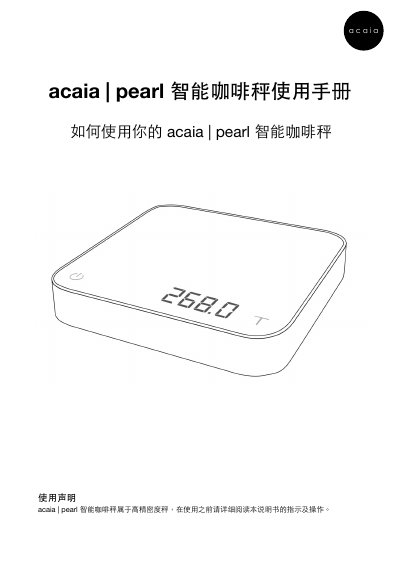
The Acaia Pearl is a high-precision smart coffee scale designed to enhance your brewing experience. It features Bluetooth 4.0 connectivity, a rechargeable lithium battery with over 25 hours of standby time, and a large LED display capable of showing up to 2060g (72.66oz). The device supports both gram and ounce units and includes advanced functions like creep compensation. This manual is written in Chinese.
| Maximum Weighing Capacity | 2000g / 70.54oz |
|---|---|
| Weight Resolution (First Segment) | 0.1g / 0.005oz |
| Weight Resolution (Second Segment) | 0.5g / 0.020oz |
| Display Limit | 2060.0g / 72.660oz |
| Dimensions | 160x160x30mm |
| Charging Power | 5V / 500mA |
| Battery Type | Rechargeable Lithium Battery 3.7V 1100mAh |
| Wireless Technology | Bluetooth 4.0 |
The product can be used for over 25 hours when fully charged.
Error code 904 indicates a password error, with the default password being 0000.