
User manual for the Acaia Pearl 2.0.008 smart coffee scale, covering setup, operation modes, calibration, settings, and troubleshooting.
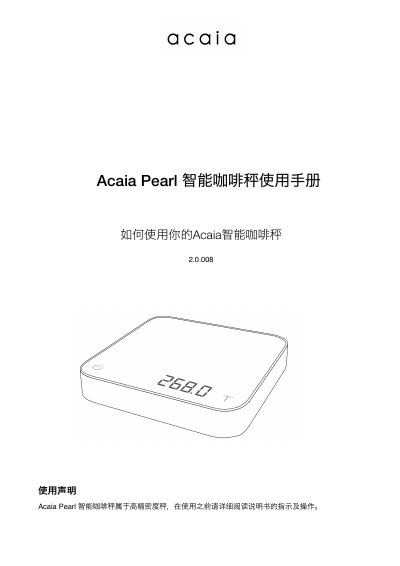
This document is the user manual for the Acaia Pearl 2.0.008 smart coffee scale. It provides instructions on how to use the device, including charging, turning it on and off, and navigating through different weighing and timing modes such as espresso and advanced extraction modes. The manual also details the physical layout of the scale, including the touch-sensitive buttons and LED indicators. This manual is written in Chinese.
| Maximum Weighing Capacity | 2000g / 170.54oz |
|---|---|
| Minimum Weighing Unit | 0.1g |
| Dimensions | 160x160x30mm |
| Battery Type | Rechargeable Lithium Battery 3.7V 1100mA |
| Wireless Technology | Bluetooth 4.0 |
| Standby Time | 25 hours or more |
It takes 1 to 2 hours to charge the battery from empty to full.
The product can be used for about 25 hours on a full charge.
The default password for the settings is 0000.
Indoor temperatures above 40°C or below 15°C may cause inaccurate weight readings.