
Acaia Lunar is a coffee scale with multiple functions, including weighing mode, dual display mode, flow rate sensing start automatic timing mode, flow rate sensing start zeroing and automatic timing mode, zeroing start automatic timing mode and automatic zeroing mode.
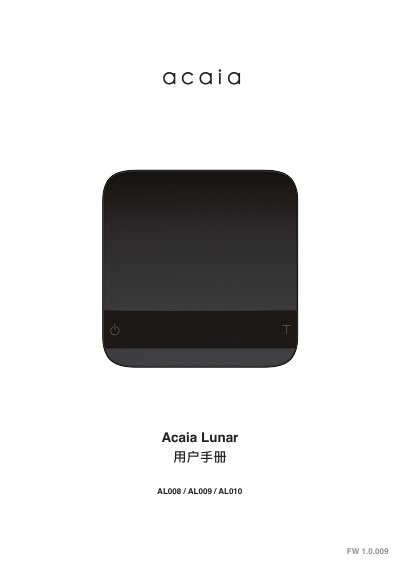
Acaia Lunar is a coffee scale with models AL008, AL009, and AL010. This Chinese-language user manual covers setup, placement, power on/off, tare, mode switching, calibration, battery charging, flow rate indicator use, tare storage, six operating modes, settings, LED indicators, error codes, and technical specifications.
The scale supports weighing and dual-display modes, flow-rate-triggered timing modes, auto-tare timing, and auto-zero. It has a 2000 g maximum capacity, 0.1 g resolution, Bluetooth 5.0, and a rechargeable lithium-ion battery. This manual is written in Chinese.
| Model | AL008 / AL009 / AL010 |
|---|---|
| Product weight | 265 g ± 5 g |
| Product dimensions | 105 x 105 x 15 mm |
| Maximum capacity | 2000 g / 70.55 oz |
| Minimum load | 0.1 g |
| Resolution | 0.1 g / 0.01 g |
| Repeatability | 0.1 g |
| Linearity | 1 d (d = 0.1 g) |
| Weight display upper limit | 2060 g / 72.66 oz |
| Power | 5 V / 500 mA |
| Battery | Lithium-ion rechargeable, 3.7 V / 1100 mAh |
| Battery life | 30-40 hours |
| Charging time | 1-2 hours |
| Screen | 8-digit LED |
| Material | Aluminum, acrylic |
| Surface | Black/silver anodized aluminum alloy |
| Flow rate indicator range | 0.1 to 3.4 g/s |
Ensure the scale is in weighing mode with grams selected, quickly press T, hold T until CAL appears, place the weight, and wait for _End_.
The battery lasts 30-40 hours.
Long-press the power button.
It indicates no acceptable starting zero point, possibly from excessive force or a dropped scale damaging the load cell; contact Acaia support.