
Power IQ Quick Installation Guide (VMware) introduces how to install and configure Power IQ
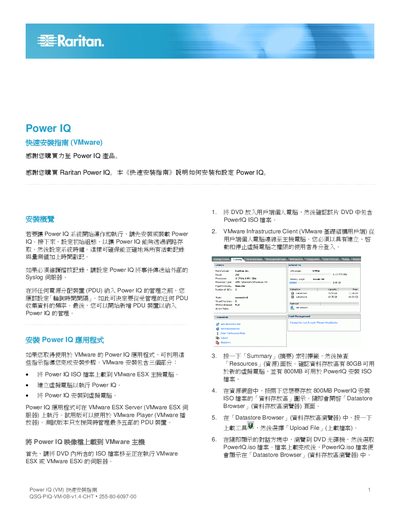
The guide walks you through installing the Power IQ ISO on a VMware ESX/ESXi host, creating a custom virtual machine, and configuring basic network settings such as DHCP or static IP. It also covers enabling NTP, setting the system clock, and configuring Syslog for event logging.
After the virtual machine is running, you can add Power Distribution Units (PDUs) to Power IQ, configure SNMP credentials, set polling intervals, and optionally import large numbers of PDUs via CSV files for bulk configuration. This manual is written in Chinese.
Open Settings > Time Settings, set "NTP Enabled?" to Yes, add the NTP server address, and save.
Select the PDUs index, click Add, enter the PDU's IP address and required SNMP credentials, then save.