
This quick start guide explains how to install, configure network, set the system clock, and add/manage PDU devices for the Raritan Power IQ HW-0B.
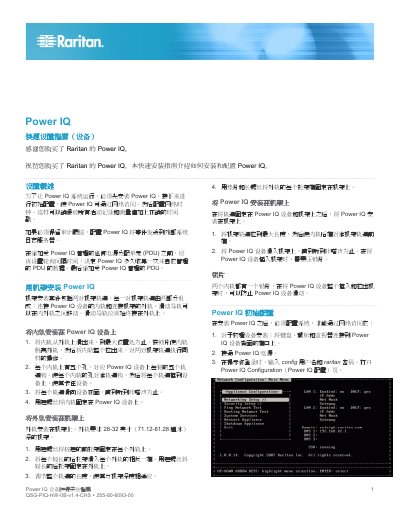
The guide provides step‑by‑step instructions for rack mounting the Power IQ device, including installing inner and outer rails, securing the unit in a 28‑32 inch deep rack, and connecting peripherals. It then covers initial configuration such as network setup (DHCP or static IP), system clock settings (manual or NTP), and enabling or disabling services like SSH.
After the system is online, the document details how to add and manage Power IQ‑controlled PDUs, configure SNMP credentials, set polling intervals, and optionally import multiple PDUs via CSV. It also outlines further actions like user management, security settings, and analytics configuration. This manual is written in Chinese.
| Required rack depth | 28-32 inches (71.12-81.28 cm) |
|---|---|
| Mounting holes per inner rail | 5 |
| IP address assignment | DHCP or static |
Slide the inner rail out of the outer rail to its maximum position, align the five mounting holes with the rail hooks, push the rail into the device until it clicks, and then secure the inner rail with short screws before attaching the outer rail to a 28‑32 inch deep rack.
Go to the PDU tab, click “Add”, enter the PDU’s IP address and SNMP credentials, select the SNMP version, and optionally enable discovery before completing the addition.