
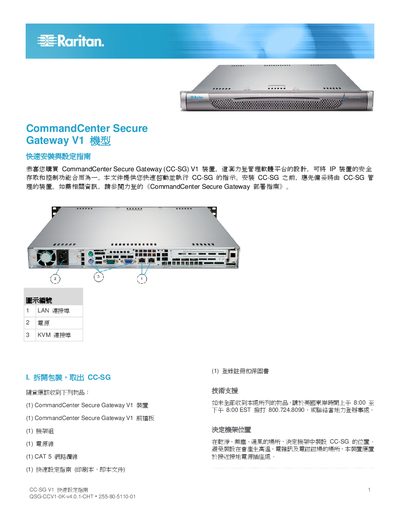
This guide walks you through unpacking the CommandCenter Secure Gateway V1, installing it in a rack, and connecting power, network, and KVM cables. It also shows how to power on the unit and perform the initial console login.
After the hardware is installed, the document explains how to configure the device’s IP address, set a secure password, and access the web‑based admin client for further management. This manual is written in Chinese.
| Default IP address | 192.168.0.192 |
|---|---|
| Subnet mask | 255.255.255.0 |
| Default username | admin |
| Default password | raritan |
Press and hold the front power button on the device to turn it on.
Open a supported web browser, enter http://