
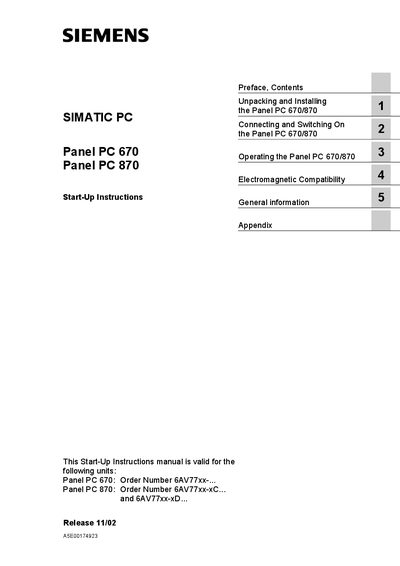
Siemens Panel PC 670/870 Start-Up Instructions


Siemens Panel PC 670/870 Start-Up Instructions - cover page
Brand
Siemens
Category
Industrial Robot
Document type
Installation Guide
Language
English
Pages
98
File format
PDF
File size
2.6 MB
Published
10 November, 2011
Updated
29 September, 2023
Model
C670
MD5 checksum
A794817BEBE607B895C7607DA9E28C93

About this manual

This document serves as the Start-Up Instructions manual for the SIMATIC Panel PC 670 and 870. It is designed for installation engineers and system operators to guide them through the mechanical and electrical installation of the device and the subsequent startup process. The manual covers procedures from unpacking and checking delivery contents to connecting interfaces and switching on the unit.

What's inside

  • Unpacking and Installing the Panel PC 670/870
  • Connecting and Switching On the Panel PC 670/870
  • Operating the Panel PC 670/870
  • Electromagnetic Compatibility
  • General information
  • Operating Units with Keypad Fronts
  • Operating Units with Touchscreen Fronts
  • Power Supply
  • Initial Startup
  • Operating System

Frequently asked questions

Who may commission and operate the Panel PC 670/870?

Only qualified personnel may commission and operate the equipment.

What should you do if the packaging shows transport damage?

Contact the transporting company responsible immediately.

Where are the SVP number and MLFB number located?

They are on the rating plate on the ventilation side at the top.

Download PDF (2.6 MB)

More Siemens Manuals


View all Siemens manuals →