
This document is an electronic user manual for the Philips LCD Monitor 220CW8 220CW, which includes safety precautions, maintenance, frequently asked questions, troubleshooting, and other related information.
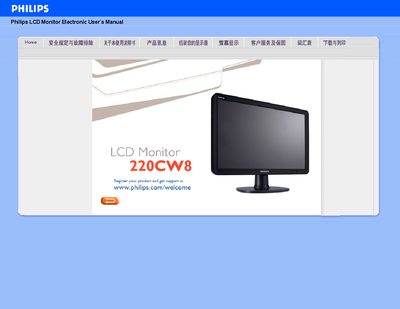
This manual covers safety measures, common issues, and troubleshooting steps for the Philips 220CW8220CW 22‑inch LCD monitor. It explains how to install the monitor, adjust screen settings, and use the built‑in features such as SmartImage and USB connectivity.
Additional sections describe the monitor’s technical specifications, warranty information, and a glossary of terms. The document also includes download and printing instructions for the driver package and a FAQ that answers common setup questions.
| Screen size | 22" |
|---|---|
| Native resolution | 1680 × 1050 @ 60 Hz |
| Physical dimensions (W × H × D) | 513.8 × 416.2 × 213.6 mm |
| Operating temperature | 0 °C – 40 °C |
| Storage temperature | -20 °C – 60 °C |
The monitor operates at 60 Hz, which provides a stable, flicker‑free image; higher rates such as 85 Hz show no noticeable difference.
Use a soft, lint‑free cloth for routine cleaning; for a thorough clean, use isopropyl alcohol, avoiding other solvents such as ethanol or acetone.