
SoundPoint® Pro is a professional conference phone produced by Polycom. This document provides installation instructions and user guide for the phone.
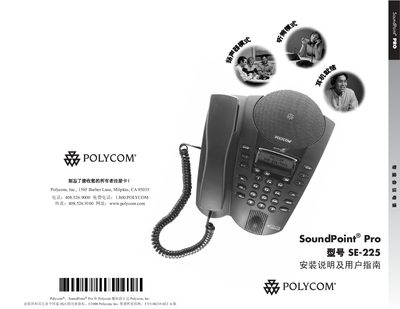
This guide covers everything needed to set up and use the Polycom SoundPoint Pro SE-225 conference phone, including safety precautions, unpacking, wiring, and connecting the line interface module. Detailed instructions show how to configure lines, speed‑dial directories, call handling and system settings.
Additional sections provide troubleshooting advice, regulatory information, warranty details and an appendix with ear‑phone selection and durability guidance. This manual is written in Chinese.
| Number of lines | 4 |
|---|---|
| Speed‑dial entries | 99 |
| Call‑history entries | 99 |
| Conference bridge capacity | 3 |
It supports four independent telephone lines.
The phone can store up to 99 speed‑dial entries.
Use only a damp cloth; do not use liquids or spray cleaners.
Select the system settings directory and choose “Restore factory default settings”.