
This document is a user manual for the Panasonic digital camera model DMC-FZ5GK. The document includes pre-use instructions, safety precautions, and tips for using the camera. It also mentions some precautions regarding the LCD monitor, lens, and camera storage.
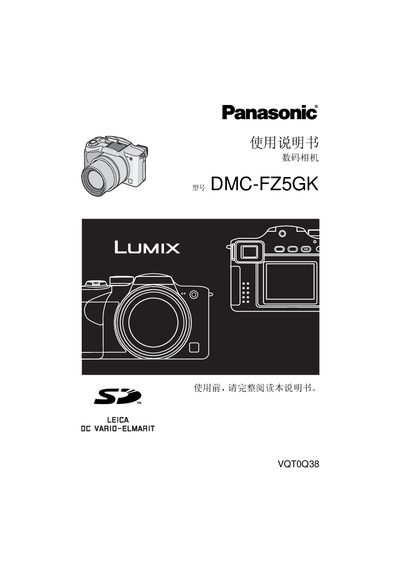
This user manual for the Panasonic DMC-FZ5GK digital camera details the standard accessories included in the box and identifies the various components and buttons on the camera body. It explains how to install the battery and memory card, set the date and time, and adjust the LCD monitor and viewfinder settings.
The guide covers basic and advanced shooting operations, including using the optical zoom, built-in flash, self-timer, and exposure compensation. It describes various scene modes such as Portrait, Sports, and Night, as well as advanced settings for white balance, ISO sensitivity, and autofocus modes. The manual also explains how to review, delete, and protect images, and how to transfer data to a PC or print directly using PictBridge. This manual is written in Japanese.
| Effective Pixels | 5,000,000 pixels |
|---|---|
| Image Sensor | 1/2.5" CCD |
| Optical Zoom | 12x |
| Focal Length | 36 – 432 mm (35mm equivalent) |
| Shutter Speed | 8–1/2,000 sec |
| LCD Monitor | 1.8" TFT LCD (130,000 pixels) |
| Viewfinder | Electronic Viewfinder (114,000 pixels) |
| ISO Sensitivity | AUTO/80/100/200/400 |
To prevent condensation, place the camera in a plastic bag when moving it from a cold place to a warm room and let it sit until the temperature equalizes.
The continuous shooting speed is approximately 3 frames per second in high-speed mode and 2 frames per second in low-speed mode.
Yes, you can connect the camera to a PictBridge-compatible printer using the provided AV cable.