
This is the instruction manual for the Panasonic digital camera DMC-FX12 and DMC-FX10. The manual explains how to use the camera to take photos and videos, and how to set the camera's features.
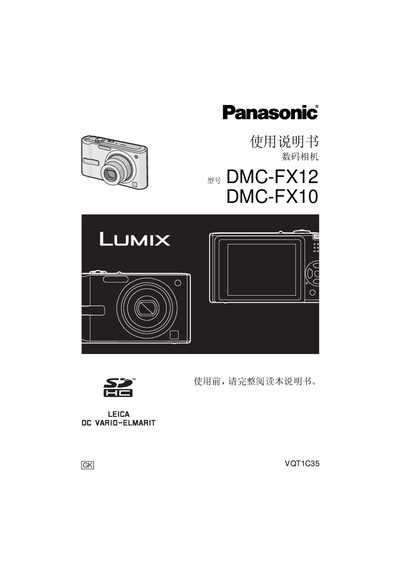
This Panasonic user manual covers the DMC-FX12 and DMC-FX10 digital cameras. It includes safety precautions, preparation steps, battery charging, date and time setup, shooting and playback functions, advanced features, and connections to other devices.
Operation procedures are described using the DMC-FX12 as an example. The manual also lists standard accessories, camera parts, memory card types, and troubleshooting information. This manual is written in Chinese.
The camera supports SD memory cards, SDHC memory cards, and MultiMediaCard.
Charging is complete when the CHARGE indicator turns off after about 130 minutes.
Turn off the camera and leave it for about two hours until the fog disappears naturally.