
This is the user manual for Panasonic multi-function printer KX-MB262CX and KX-MB772CX, it mainly introduces the features and usage of the product.
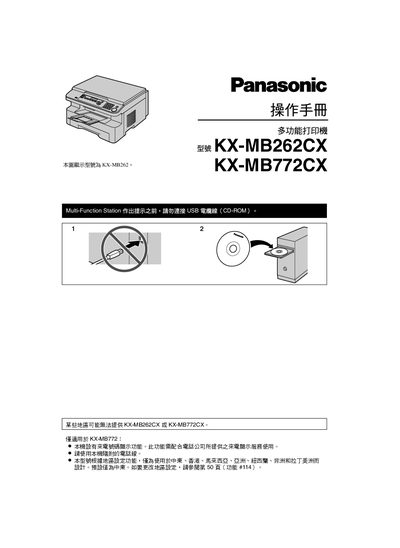
This manual provides setup, operation, and maintenance instructions for the Panasonic KX-MB262CX and KX-MB772CX multifunction stations. It covers regional configuration, printing, scanning, copying, fax, and caller‑ID features, as well as safety and environmental guidelines.
The document also lists compatible consumables, explains how to replace the toner and imaging drum, and offers troubleshooting steps for common errors. Users are advised to use original Panasonic supplies and avoid placing the unit near strong electromagnetic fields. This manual is written in Chinese.
| Maximum printable pages per toner cartridge | ≈ 2,000 sheets (44‑size) |
|---|
Refer to page 50 (function #114) to modify the regional configuration.
Avoid positioning the unit close to appliances that generate strong electromagnetic fields.