
RQT7865-4S is a SD stereo system with features of high-speed recording and large capacity. It can record CDs to MD or SD cards. Additionally, it has the function of displaying even when the power is turned off. The model of this product is SC-PM710SD.
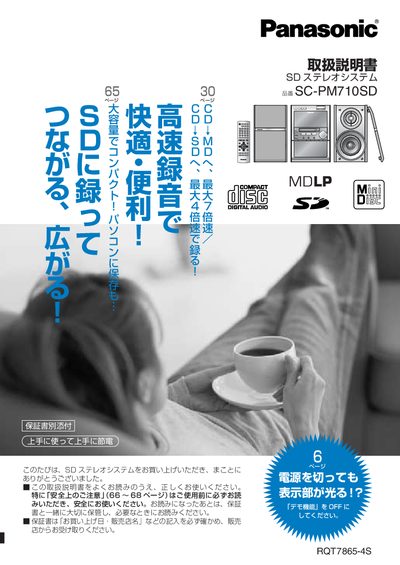
This manual explains how to install and set up the Panasonic SC-PM710SD SD stereo system, including checking accessories, connecting speakers, and preparing the remote control. Safety precautions and warranty information are also covered.
It details everyday operation such as playback of CD/MD/SD, editing playlists, using timers, and troubleshooting common issues. Instructions for turning off the demo function, moving the unit safely, and maintaining the device are included. This manual is written in Japanese.
Press and hold the DEMO button until the display shows "DEMO OFF".
Remove all discs (CD, MD, SD, tape), press the POWER button to turn off the unit, wait for the "GOODBYE" display to disappear, then unplug the power plug.