
This document is a user manual for the Panasonic digital camera model DMC-FX9GK. It provides information on safety precautions, pre-use instructions, and precautions regarding the LCD monitor and lens. It also offers solutions for condensation and storage recommendations for long periods of non-use.
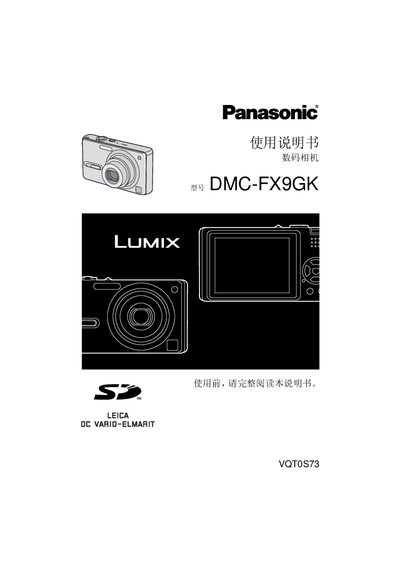
This manual introduces the Panasonic DMC-FX9GK digital camera, covering safety precautions, preparation, and component identification. It explains how to install batteries and memory cards, set the date and time, and use the basic shooting functions.
Further sections describe the various menu settings, LCD monitor usage, advanced shooting modes, image playback, and detailed specifications such as sensor size, lens zoom, and power requirements. The guide also includes troubleshooting tips and maintenance advice. This manual is written in Chinese.
| Effective Pixels | 6,000,000 pixels |
|---|---|
| Image Sensor | 1/2.5" CCD, 6,370,000 total pixels |
| Lens | Optical 3x zoom, f5.8‑17.4 mm (35‑105 mm equiv.), F2.8‑F5.0 |
| Digital Zoom | Maximum 4x |
| Shutter Speed | 8 s to 1/2000 s |
| Continuous Shooting Speed | 3 frames/s (high speed) |
| ISO Sensitivity | AUTO / 80 / 100 / 200 / 400 |
| LCD Monitor | 2.5" low‑temperature polycrystalline TFT, ~207,000 pixels |
| Power Supply | DC 5.1 V |
| Weight | ≈127 g (without battery and card) |
| Dimensions | ≈94.1 mm W × 50.5 mm H × 24.2 mm D |
Store the battery in a cool, dry place with a stable temperature (15 °C‑25 °C) and humidity (40%‑60%), and remove it from the camera.
Wipe the camera with a soft cloth dampened with tap water, wring it out, then gently dry it with a dry cloth.
Place the camera in a plastic bag until its temperature matches the surrounding environment, then allow it to acclimate before use.