
This is the user manual for Brother DCP-155C multifunction printer, which introduces the features and usage methods of the device.
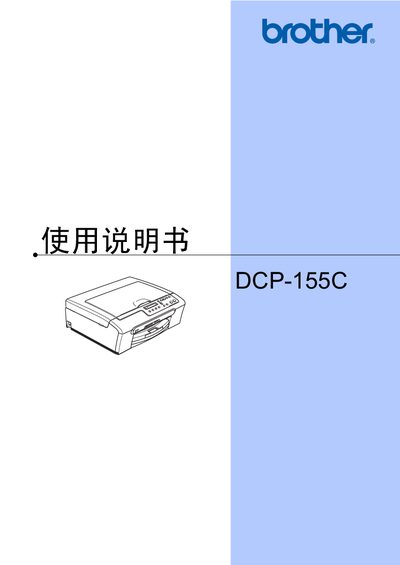
This user manual explains how to set up and operate the Brother DCP-155C all‑in‑one printer, covering loading paper, using the LCD panel, and basic functions. It also describes safety information, recommended consumables, and warranty notes.
Key sections include copying, direct photo printing from media cards or USB devices, software installation, troubleshooting, routine maintenance, and a full specification table for the device. This manual is written in Chinese.
| Memory capacity | 16 MB |
|---|---|
| Paper tray capacity | 100 sheets (80 g/m²) |
| Printer type | Inkjet printer |
| Print head nozzle configuration | 94×1 piezo nozzles |
| Power supply | AC 220‑240 V, 50/60 Hz |
| Weight | 7.1 kg |
| Noise level (operating) | ≤50 dB |
| Supported paper sizes | Letter, Legal, Executive, A4, A5, A6, JIS B5, envelopes (No.10, DL, C5, Monarch, JE4) |
Use the Direct Photo Print function by inserting a media card or USB storage device and following the steps in the Direct Photo Print section.
Select the menu option to change the LCD display language.
The paper tray holds up to 100 sheets of 80 g/m² paper.