
This is the user manual for MFC-253CW MFC-255CW MFC-257CW MFC-295CN, which covers general information, loading paper and originals, general settings, and security features
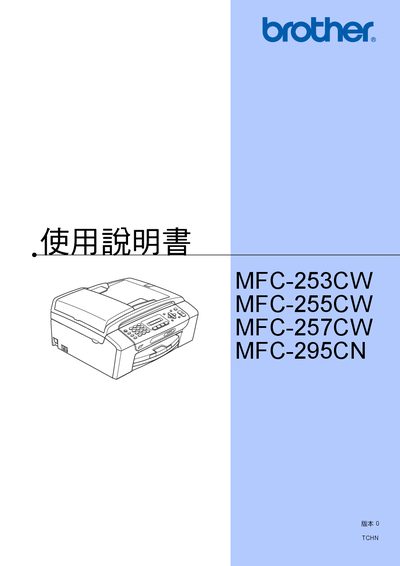
This manual covers the basic setup and operation of the Brother MFC‑253CW, MFC‑255CW, MFC‑257CW and MFC‑295CN multifunction devices. It includes instructions for loading paper, configuring fax, telephone, copy and direct‑print functions, as well as safety guidelines and troubleshooting tips.
Additional sections describe software and network features, maintenance procedures such as ink‑cartridge replacement and cleaning, and detailed specifications of supported media and functions. Registration information and warranty details are also provided. This manual is written in Chinese.
Visit the registration page at http://www.brother.com/registration/ and follow the instructions.
Only the MFC‑295CN model supports the automatic document feeder.
Select the option "變更傳真解析度" in the fax settings menu.