
SHT1x series of digital temperature and humidity sensors have fully calibrated, digital signal output, low power consumption, excellent long-term stability, SMD packaging and other characteristics.
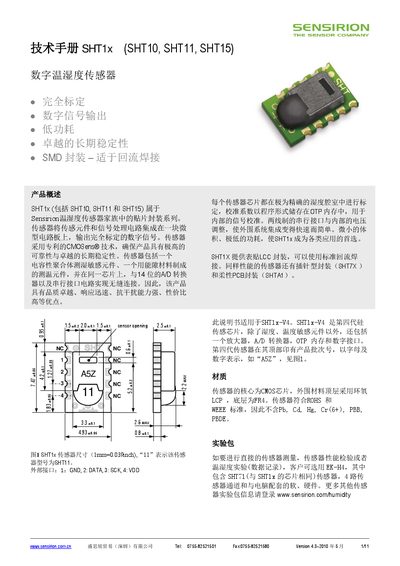
The SHT1x series (SHT10, SHT11, SHT15) are fully calibrated digital temperature‑humidity sensors from Sensirion. They integrate a capacitive humidity element, a temperature element, a 14‑bit A/D converter and a serial interface on a compact SMD package suitable for reflow soldering.
The manual covers sensor specifications, recommended operating conditions, wiring guidelines, soldering procedures, ESD/EMC considerations, and detailed command and timing diagrams for interfacing the sensor via its 2‑wire digital bus. This manual is written in Chinese.
| Supply voltage range | 2.4 V – 5.5 V |
|---|---|
| Recommended supply voltage | 3.3 V |
| Measurement power consumption | 3 mW |
The recommended supply voltage is 3.3 V, although the sensor operates from 2.4 V to 5.5 V.
The sensor has four pins: GND, DATA (serial data), SCK (serial clock), and VDD (power).
The sensor complies with IPC/J‑STD‑020D and may be reflow‑soldered up to 260 °C for less than 40 seconds.
Hold DATA high, toggle SCK at least nine times, then send a start‑transmission sequence.