
This manual introduces the basic operation of the RT-82 radio, including power on/off, frequency setting, power setting, scan setting, call channel setting, weather channel setting, etc.
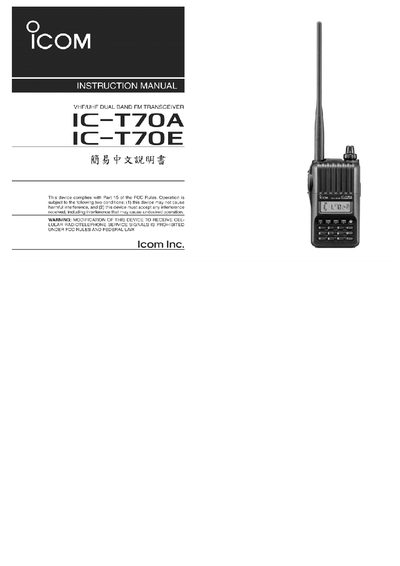
This manual introduces the IC‑T70A/T70E control panel, describing the antenna socket, external audio connectors, volume control, transmit key, and DC power input. It also details the function of each button, such as the V/M/C power switch, DIAL for band selection, and SCAN for scanning modes.
The guide provides step‑by‑step procedures for entering memory write mode, storing frequencies, selecting memory banks, and performing scans. It explains how to adjust static noise level, lock keys, and use the screen to view power, frequency, and mode information. This manual is written in Chinese.
| Power input | DC IN, supports BC-167S charger and BP-264 battery |
|---|