
IC-M304 is a feature-rich communication device with functions such as channel selection, receiving and transmitting, editing call channels, etc. It also has practical features such as backlight display, automatic water removal, scanning function, etc.
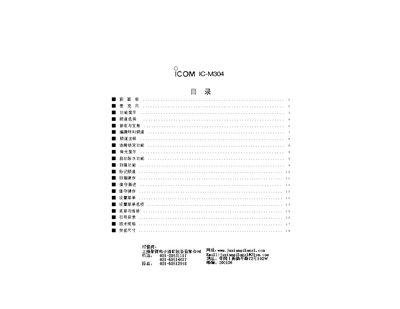
This manual explains the functions of the front panel of the ICOM IC-M304, including volume control, static suppression, channel selection, and call channel operation. It also describes how to switch between normal and weather channels, use the scanning and dual‑mode features, and operate the PTT and GPS functions.
Additional sections cover power settings, low‑power and high‑power transmission modes, and troubleshooting tips such as resetting channels and adjusting the display brightness. The document includes diagrams of the panel layout and step‑by‑step procedures for common tasks. This manual is written in Chinese.
Press the CALL key and hold it for about 3 seconds; the call channel number will be displayed and stored.
Press the CH/WXDUAL button to toggle between the normal working channel and the weather channel.
Use the VOL button on the front panel to increase or decrease the volume level.
Select the low‑power mode by pressing the appropriate key; the display will show "LOW" when active.