
This document introduces a wireless communication product with multiple functions, including channel selection, volume control, squelch control, scanning function, distress key, DSC function, GPS function, etc. In addition, the document provides methods for setting and checking the MMSI code, and introduces the connection methods with external devices.
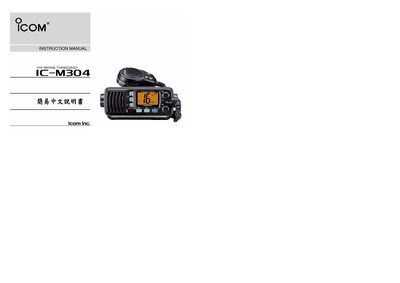
This manual explains how to operate the ICOM IC-M304 VHF marine transceiver. It describes the front‑panel layout, the purpose of each control key, and the basic operating procedures for voice and digital (DSC) communications.
The guide also covers programming of DSC identifiers, MMSI settings, and the external connections required for speaker, GPS, power, and antenna. Safety notes and compliance information are provided at the end of the document.
Press the CHANNEL UP/DOWN KEYS marked [A] on the front panel.
Connect the speaker leads to the blue (+) and gray (–) terminals labeled EXTERNAL SPEAKER LEAD.
Enter the DSC menu, select the ID option, and input the desired ID number; the display shows "ID name > # #4 [DSC]" as confirmation.