
The Kyocera WX320K is a mobile phone with features including 3 color options, rich ringtones and wallpapers, built-in Opera browser, and 16MB of storage space.
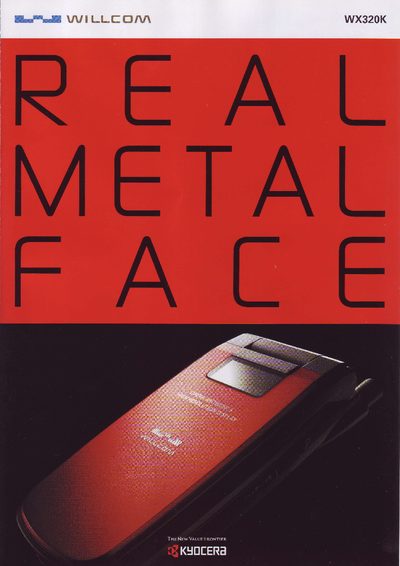
The WX320K combines a simple, smart form factor with a metal texture for a premium feel. Its 2.2‑inch TFT LCD display shows up to 260,000 colors, and the 1.3 MP camera captures high‑quality images up to SXGA size. The device supports fast 4× packet data, Opera browser, RSS reader, and Java MIDP 2.0 games, offering a rich mobile web experience.
Additional functions include POP3/SMTP email with up to 20,000 full‑width characters per message, a remote‑lock feature that can disable the phone and erase data if lost, and a rechargeable lithium‑ion battery. The manual also lists accessories such as adapters, holders, and USB cables, and provides contact details for Kyocera support. This manual is written in Japanese.
| Dimensions | ≈49 × 98 × 21 mm (folded, without protrusions) |
|---|---|
| Weight | ≈105 g |
| Display | 2.2‑inch TFT LCD, 260,000 colors |
| Resolution | 240 × 320 pixels (QVGA) |
| Camera | 1.3 MP (≈1,300,000 pixels) |
| Battery | Lithium‑ion (model LD320K) |
| USB Port | Mini‑B connector |
The phone includes a remote‑lock feature that can lock the device and erase data from a distance.
The WX320K is equipped with a 1.3 MP camera capable of capturing images up to SXGA size.
It has a 2.2‑inch TFT LCD screen that can show up to 260,000 colors with a resolution of 240 × 320 pixels (QVGA).