
This manual introduces the use of the KYOCERA LS-2000D LS-3900DN printer, including paper, operation panel, and built-in fonts.
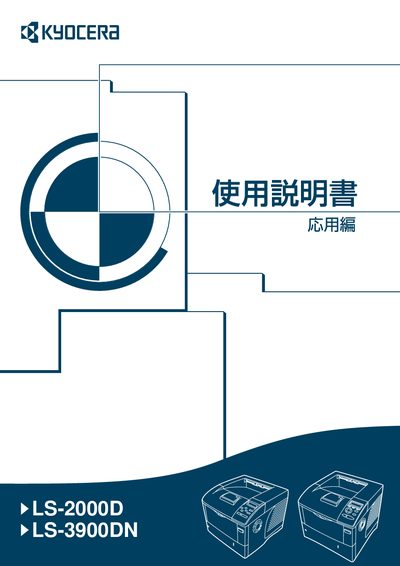
This manual covers the basic specifications of the LS-2000D and LS-3900DN printers, including supported paper types, size limits, and special media options. It explains how to operate the control panel, select menus, adjust printing quality, and configure interfaces such as parallel and USB.
Additional sections describe the available supplemental manuals, routine maintenance procedures, toner replacement, and contact information for Kyocera Mita support. The document also includes an index and references to software drivers and network utilities. This manual is written in Japanese.
The toner container can be replaced while the printer remains powered on.
The bulk feed option is only available for the LS-3900DN model.