
WX320K user manual, introduces the device's features, usage methods, etc.
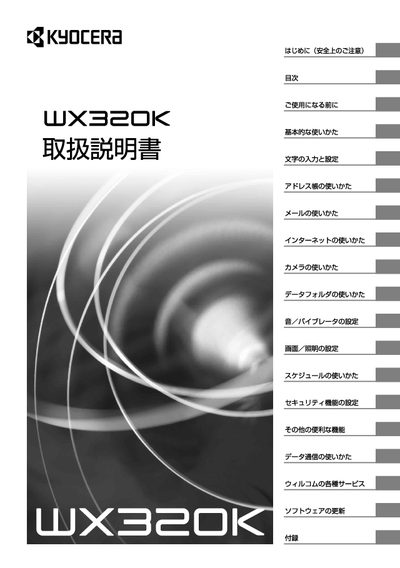
This manual introduces the WX320K handset, covering safety precautions, basic usage, and detailed instructions for functions such as address book, email, internet, camera, and vibrator settings. It also explains how to update software, use Willcom services, and includes an appendix with additional resources.
Important safety information is highlighted, including warnings about battery handling, use near flammable gases, operation in extreme temperatures, and restrictions on use in vehicles, aircraft, and near medical devices. Warranty details and contact information for Kyocera technical service centers are provided at the end of the document. This manual is written in Japanese.
| Battery type | Lithium‑ion (LD320K) |
|---|---|
| AC adapter model | AD320K (AC100V only) |
| Operating temperature | 5 °C – 35 °C |
Remove the battery cover and follow the instructions in the “Battery replacement” section on page 158.
The warranty is valid for one year from the purchase date, excluding the battery.
No, using the device on an aircraft is prohibited by law.