
This document describes the new features of KY-BR-WL100 and KY-BR-CB100, including MAC address filtering, PPPoE multiple sessions support, UPnP support, access restrictions, SPI, multiple NAT, and SNMP.
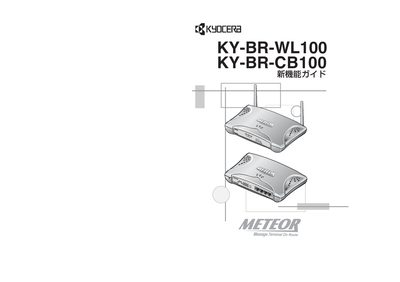
This guide explains new features available in the firmware for Kyocera KY-BR-WL100 and KY-BR-CB100 routers, including MAC address filtering, PPPoE multi-session, UPnP, access control, SPI firewall, multi-NAT, and SNMP support. It also covers firmware and interface update procedures, including saving and restoring settings before updates.
The guide provides step-by-step instructions for configuring advanced networking features and managing security settings, with emphasis on preserving configuration data before firmware updates to avoid losing custom settings. This manual is written in Japanese.
| MAC Address Filtering | Available only on KY-BR-WL100 |
|---|---|
| PPPoE Multi-Session | Multiple simultaneous PPPoE connections |
| Access Control | IP and MAC address-based client access restrictions |
| Multi-NAT | Supports up to 7 WAN IP addresses mapped to LAN IP |
Yes, you can restore password, LAN, wireless (KY-BR-WL100 only), WAN, and DNS settings using the 'Restore Settings' function.
SNMP Trap is used to send alerts from the SNMP agent to the SNMP manager when an abnormality occurs. It is disabled by default.