
This document is an instruction manual for a certain product, which includes detailed introduction, cleaning methods, setup steps, and operation guide of the product.
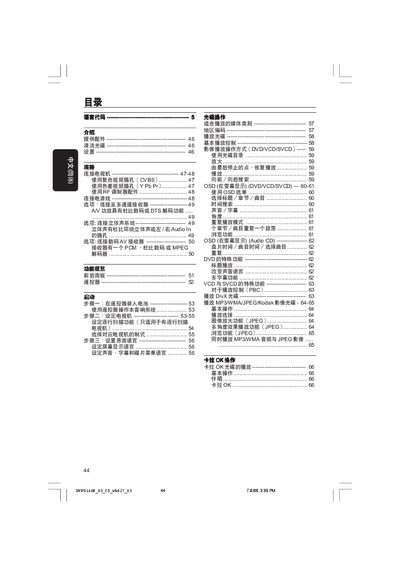
This manual covers everything needed to get the Philips DVP5140K DVD player up and running. It explains the supplied accessories, how to clean discs, safety precautions, and step‑by‑step setup of the remote, TV connection options (composite, component, RF), and language configuration.
Later sections describe everyday operation such as playing DVDs, VCDs, SVCDs, DivX, MP3/WMA/JPEG discs, using the on‑screen display menu, adjusting audio and video settings, and a detailed fault‑diagnosis guide with solutions for common problems like no power, no picture, or no sound. This manual is written in Chinese.
| 尺寸 (寬 x 高 x 深) | 435 x 37 x 235 mm |
|---|---|
| 重量 | 約 2.0 kg |
| 電源供應 | 110‑240V;50/60Hz |
| 電源消耗 | 10W (運作) / <0.8W (待機) |
| 音頻格式 | MPEG/AC‑3, PCM 16/20/24‑bit, 44.1/48/96kHz |
Connect the yellow VIDEO OUT plug on the DVD player to the TV’s composite video input (often labeled A/V In, VideoIn, or Baseband) using the supplied cable.