
This manual provides detailed instructions on how to use the DVD player, including installation, connection, basic operations, and advanced operations.
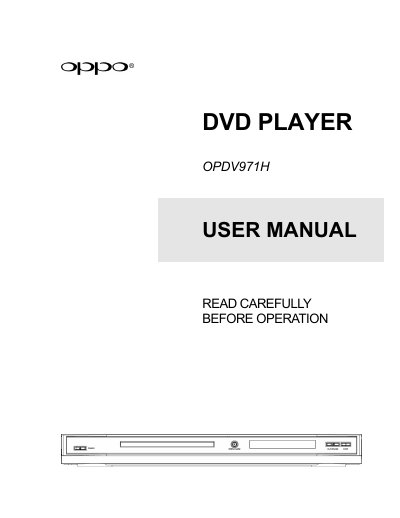
This manual explains how to install, connect, and operate the OPPO OPDV971H DVD player, including important safety instructions and remote‑control functions.
It also contains setup menu options, technical specifications, troubleshooting tips, and warranty information for the device.
| Power Supply | ~ 100V – 240V, 50/60Hz AC |
|---|---|
| AC Power Consumption | 20W |
| Dimensions | 420mm x 270mm x 41mm |
| Mass | 2.5kg / 5.5 lbs |
| Operating Temperature | 5°C - 35°C |
The acceptable power input range is AC ~ 100V‑240V, 50/60Hz.
Point the remote’s front window toward the infrared sensor on the front panel within ±30° and up to about 26 ft, avoiding moisture and direct sunlight.