
This manual describes how to connect, set up, and operate a DVD player.
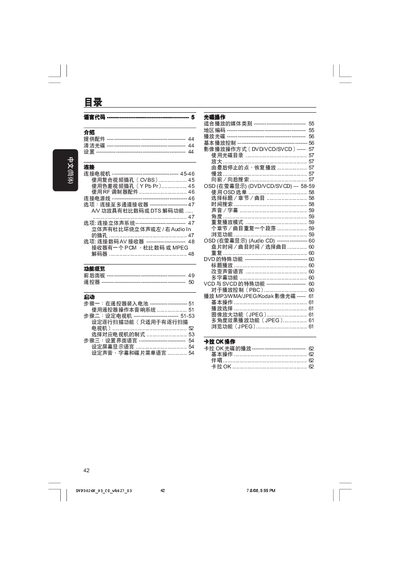
This manual explains how to set up the Philips DVP3026K DVD player, including connecting power, video and audio cables, installing batteries in the remote, and configuring language and display settings. Detailed diagrams show composite (CVBS) and component (Y Pb Pr) video connections, as well as analog and digital audio wiring.
The guide also covers basic playback functions, special features such as karaoke mode, multi‑angle video, and region coding, plus a comprehensive fault‑diagnosis section with step‑by‑step troubleshooting and service‑support contact information. This manual is written in Chinese.
| Audio formats | MPEG/AC‑3, Dolby Digital, PCM 16/20/24‑bit |
|---|---|
| Power supply | 110‑240 V, 50/60 Hz |
| Power consumption (standby) | < 0.8 W |
| Dimensions (W × H × D) | 360 × 37 × 235 mm |
| Weight | ≈ 2.0 kg |
Connect the yellow VIDEO OUT plug on the DVD player to the TV’s composite video input (often labeled A/V In, VideoIn or Composite) with the supplied cable.