
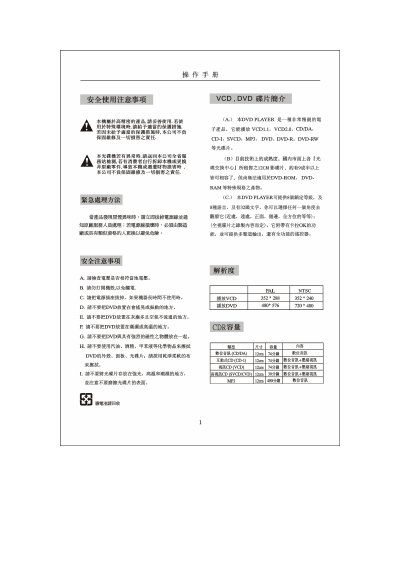
This manual provides safety guidelines, installation steps, and connection instructions for a DVD player. It explains how to connect video and audio signals using RCA, S‑Video, component, VGA, optical and coaxial cables, and describes the remote‑control functions.
The document also lists supported disc types (VCD, SVCD, MP3, DVD‑R/W, etc.), DVD capacity options, video/audio specifications, subtitle and language options, and includes a troubleshooting table for common issues such as power problems, playback errors, and audio/video defects. This manual is written in Chinese.
| Supported disc formats | VCD, SVCD, MP3, DVD, DVD‑R, DVD‑RW, CD‑DA, CD‑I |
|---|---|
| DVD playback resolution (PAL/NTSC) | 480×576 (PAL) / 720×480 (NTSC) |
Immediately unplug the power cord and contact an authorized service technician.
Check that the power plug is firmly inserted and that the outlet has power; also verify the remote‑control battery.